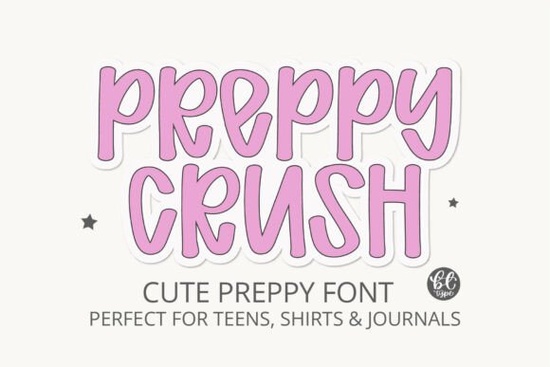
What makes this lettering style work so well for everyday projects?
The secret lies in the stroke construction. Each character keeps a clean, consistent baseline while using soft curves and slightly irregular edges to mimic casual handwriting. Because it sits in the display category, it shines at larger sizes where those subtle details become visible. You will notice how the rounded terminals and open counters keep the text airy, which helps prevent crowded layouts on stickers, journal covers, or classroom posters. If you have experimented with other friendly display typefaces, you will recognize how this one leans slightly more structured while keeping that approachable feel.
Where does it fit best in a creative workflow?
This font was built for projects that need a confident but gentle voice. It works smoothly across both digital and print formats, and the full basic Latin set means you can type out quotes, product titles, or short headlines without missing characters. Here are the spots where it tends to perform best:
- Apparel and accessories: T-shirt graphics, tote bags, and hoodies that target teen or lifestyle audiences
- Paper goods: Planners, habit trackers, journal prompts, and sticker sheets
- Social content: Quote graphics, Pinterest pins, and Tumblr-style photo overlays
- Small shop branding: Packaging labels, thank-you cards, and simple logo lockups
When you are building a collection for a print-on-demand store, consistency matters. Pairing this typeface with a clean sans-serif for body text keeps your listings readable while letting the display font handle the visual hook. If you want to explore more options for youth-focused merchandise, you might also browse through lighter handwritten styles that complement this aesthetic.
How do you set it up in Canva, Cricut, or Silhouette?
Installation follows the standard process for desktop fonts. Download the file, unzip the folder, and double-click the .ttf or .otf file to install it on your system. Once installed, restart your design software so the new family appears in the dropdown menu. In Canva, you will need to upload it through the brand kit or custom font section if you have a compatible plan. For cutting machines, convert your text to outlines or weld the letters before sending the design to the mat. This prevents spacing glitches and ensures clean cuts on vinyl or heat-transfer material. Designers who frequently layout editorial spreads sometimes keep a sharper display alternative on hand for contrast, but this one holds its own when you want a softer editorial accent.
What should you watch out for when using it?
Because the design uses uppercase forms shaped like lowercase letters, long paragraphs can feel heavy. Keep your text short. Aim for headlines, short quotes, or product names under six to eight words. Spacing also matters. The default kerning works well for most words, but you may need to adjust tracking slightly when stacking lines on a narrow canvas. Test your layout at actual print size before exporting. Screen previews can hide minor overlaps that become obvious on paper or fabric. If you want to see how this specific family handles different layout tests, you can review the full preview gallery before downloading. If you enjoy mixing scripts with structured displays, you might find that a balanced duo pairing helps ground the overall composition without competing for attention.
Is it worth adding to your font library?
If your projects lean toward preppy aesthetics, cozy quotes, or teen-focused merchandise, this typeface fills a specific niche without feeling gimmicky. The character set covers standard Latin letters, numbers, and punctuation, which is enough for most small business needs. You can grab Preppycrush Font directly from the marketplace and start testing it in your current templates. The file installs cleanly, scales well for both web graphics and physical prints, and requires very little tweaking to look polished.
Quick setup checklist before you export:
- Install the font and restart your design app
- Type your headline and check for awkward letter collisions
- Adjust tracking by +10 to +20 if stacking multiple lines
- Convert text to outlines before sending to cutting software
- Print a small test sheet to verify stroke weight on your chosen material
Keep this list handy the next time you prepare a new product batch. A few minutes of testing will save you from misaligned cuts or blurry exports, and your finished pieces will look consistently sharp across every platform.
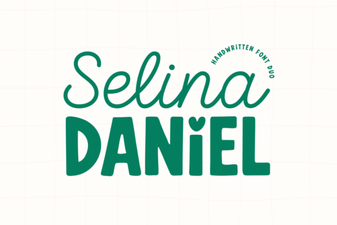 Selina Daniel: Modern Duo Font for Creative Designs
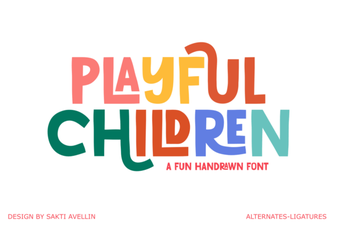 Playful Fonts for Creative Kids’ Projects
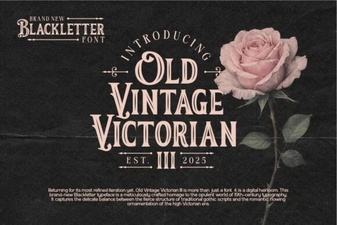 Unlock Victorian Elegance with Iii Fonts for Design
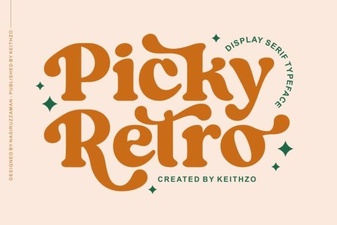 Reviving Design with Picky Retro Fonts
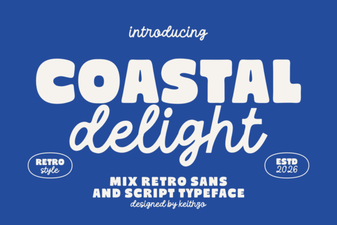 Coastal Delight: Elegant Fonts for Seaside Projects
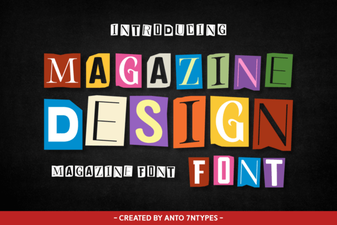 Crafting Legible Magazine Design with Modern Fonts