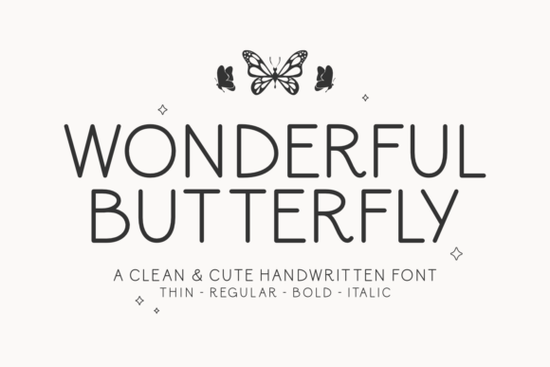
If you need a handwritten typeface that feels personal but stays readable on screens and printed materials, Wonderful Butterfly Font fits that exact niche. It blends a light, handcrafted style with clean structural lines, so your text remains legible even at smaller sizes. Whether you design wedding invitations, create print-on-demand merchandise, or brand a small online shop, this font gives you a friendly tone without sacrificing professionalism.
What makes this handwritten font stand out?
Many script fonts either look too rigid or become difficult to read when words run together. This typeface avoids both by keeping consistent spacing and balanced stroke widths. The characters carry a natural rhythm, but unnecessary flourishes are trimmed away to prevent visual clutter. You can safely use it for headlines, short descriptions, or product labels. The family includes four weights: Thin, Regular, Bold, and Italic. Having multiple weights in a script solves a common design headache. Instead of hunting for a secondary font to create contrast, you can adjust thickness to guide the reader’s eye. If you usually pair scripts with minimal handwritten options for body text, the bold weight here creates a clean, balanced layout.
Which projects work best with a playful script?
This font shines when you need a warm, approachable vibe. Crafters and small business owners typically use it for:
- Print-on-demand apparel and tote bags where short phrases need a hand-lettered feel
- Product packaging and thank-you cards that benefit from a boutique aesthetic
- Social media graphics that require high readability on mobile screens
- Event signage where a relaxed modern script replaces traditional calligraphy
The open letterforms translate well to cutting machines and embroidery digitization. Vinyl cutters handle the thin and regular weights without breaking delicate strokes, while the bold weight holds up nicely on fabric prints. If your workflow leans toward signature-style lettering for logos, you might reserve this typeface for secondary accents or seasonal campaigns instead.
How do the four weights help with design hierarchy?
Visual hierarchy simply means telling readers what to look at first. Use the Bold weight for your main headline, switch to Regular for supporting details, and drop down to Thin for dates or fine print. The Italic style works well for emphasis or short pull quotes. Staying inside one font family keeps your design cohesive and speeds up your workflow. When you do need a contrasting sans serif, look for something neutral. Many designers combine playful scripts with clean starter typefaces to keep the composition grounded. If you want more movement for a header, you could also explore flowing calligraphy alternatives and use this font for subtext.
What should you check before downloading?
Run a quick compatibility check before adding any new typeface to your library. Verify that the file format matches your design software, and test a few sample words at your intended print size. Scripts often look great large but lose clarity small, so check how thin strokes render on your specific printer. Licensing is equally important. If you plan to sell physical products or digital templates, confirm that the license covers commercial use and print-on-demand distribution. You can review the full details and grab the files directly through the Wonderful Butterfly Font page. For projects that demand a heavier mood, you might also compare it with a more dramatic script before finalizing your choice.
Quick setup tips for clean results
Getting the most out of a handwritten font comes down to small adjustments. Turn on optical spacing to fix awkward gaps between specific letter pairs. Avoid stretching the font horizontally, since that distorts hand-drawn proportions. When working with dark backgrounds, switch to Regular or Bold to maintain contrast, and keep line spacing slightly loose so ascenders and descenders do not collide.
Before you start your next layout, run through this short checklist:
- Test all four weights at your final print or screen size
- Verify commercial licensing matches your intended use
- Pair with a neutral sans serif for longer body text
- Enable optical kerning and adjust tracking slightly if needed
- Export a sample PDF to check readability on mobile devices
Keep these steps in mind, and your typography will stay sharp and ready for production.
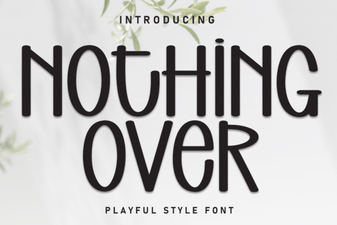 Choosing Fonts for Minimalist Design Projects
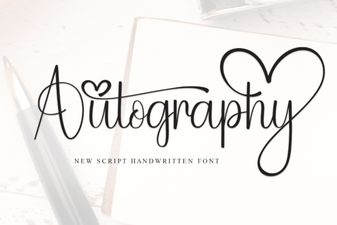 Autography: Designing with Your Handwriting Font
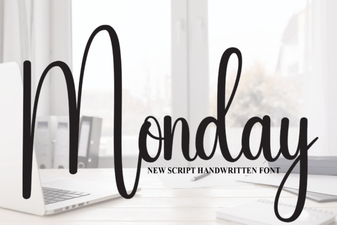 Monday Font: Design Tips & Creative Project Ideas
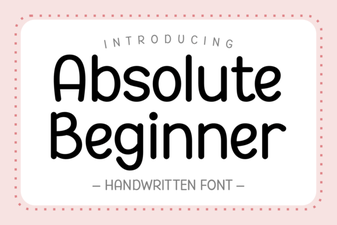 Fonts for Beginners: Simple, Creative Design Projects
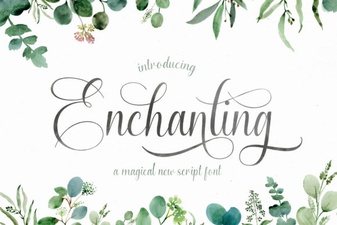 Beautiful Fonts for Script Lettering Projects
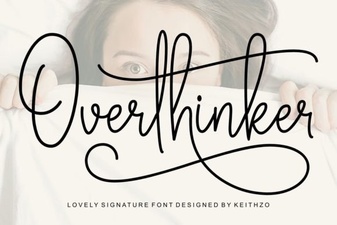 The Overthinker Font: a Designer's Mind in Type