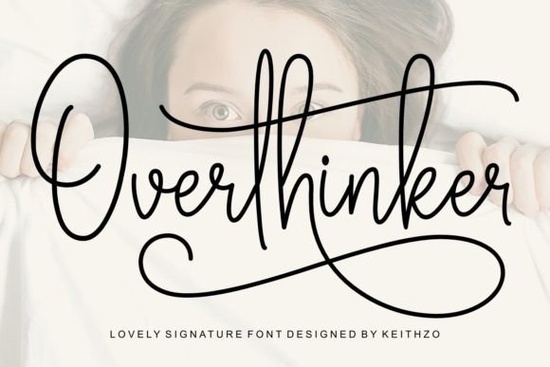
If you need a handwritten typeface that feels personal but still reads clearly on screen and in print, the Overthinker Font delivers exactly that. It is a signature-style script built with smooth, connected strokes and gentle curves that mimic real pen pressure. Designers, small shop owners, and crafters often choose this kind of lettering when they want a project to feel thoughtful without looking overly decorative. The style works well for wedding stationery, boutique logos, printable wall art, and social media templates where a human touch matters.
What makes this signature style work for everyday design?
Script typefaces can easily become hard to read, but this one keeps the letterforms open and balanced. The baseline has a natural rhythm, so words flow together without crowding. You will notice consistent spacing between characters, which saves time when adjusting kerning manually. The design includes subtle alternates that let you swap out repeating letters, keeping multi-word layouts from looking repetitive. For print-on-demand sellers and hobbyists who move quickly between mockups and final files, that built-in flexibility cuts down on revision rounds.
Which projects actually benefit from a flowing script?
Not every design needs a handwritten feel, but certain formats rely on it to convey warmth. Here is where this style tends to perform best:
- Wedding invitations and reception signage that need a refined tone
- Small business branding for boutiques, photographers, and handmade labels
- Social media graphics where a recognizable signature helps posts stand out
- Printable crafts and digital planners that require a clean accent typeface
- Packaging stickers and thank-you cards that reinforce a handmade identity
When you keep the script as an accent and pair it with a simple sans serif for body text, the overall layout stays readable and professional.
How do I access the extra glyphs and swashes without hassle?
The font is fully PUA encoded, which means you do not need advanced software to reach the alternate characters. Programs like Cricut Design Space, Silhouette Studio, Canva, and standard word processors can display the full character map once installed. To use the swashes, open your glyph panel or character viewer, select the letter you want to change, and click the alternate version. In Illustrator or Photoshop, the OpenType panel shows contextual alternates automatically. This setup is especially helpful when personalizing names on invitations or creating custom logotypes that require unique starting and ending strokes.
Should I pair it with other typefaces or keep it solo?
Signature scripts usually shine when they carry the visual weight of a headline or short phrase. For longer paragraphs, switch to a clean, neutral font so your audience can read comfortably. If you are building a brand kit, test it alongside a straightforward geometric sans or a quiet serif. When mapping out font combinations, I compare script options side by side to see how the x-height and stroke contrast interact. You can explore how this style compares to other handwritten options by looking at similar collections like a simple starter script or a casual everyday lettering set. For projects that need a more formal signature feel, a classic autograph style might fit better, while a lighter, airy script works nicely for delicate packaging. If you want to see how the overthinker lettering fits into your current workflow, testing a few words in your preferred design program will give you a clear answer.
What should I verify before adding it to your toolkit?
Before installing any new typeface, run a quick compatibility check. Make sure the file format matches your operating system and design software. Test sample phrases at different sizes to confirm that thin strokes hold up on both screens and printed materials. Check the licensing terms if you plan to sell physical products or digital templates, since commercial use often requires a specific license tier. Keep your font folder organized by grouping scripts separately from display and body typefaces. This habit speeds up your process and prevents accidental substitutions when sharing files with clients.
If you are ready to test this typeface in your next layout, follow this quick setup checklist:
- Install the OTF or TTF file and restart your design software
- Open the glyph panel to locate starting swashes, ending tails, and alternates
- Type your headline at 36pt and 72pt to check stroke clarity
- Pair the script with a neutral sans serif for supporting text
- Export a PDF and a PNG to verify how curves render in print versus web
- Review the license details for commercial or print-on-demand use
You can preview available files and licensing options for the Overthinker Font before downloading. Save your test layouts in a dedicated folder so you can reuse successful pairings for future invitations, product labels, or social templates.
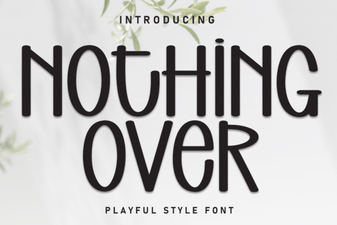 Choosing Fonts for Minimalist Design Projects
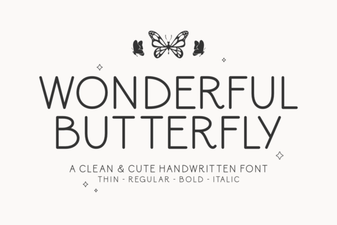 A Beautiful Butterfly Font for Creative Projects
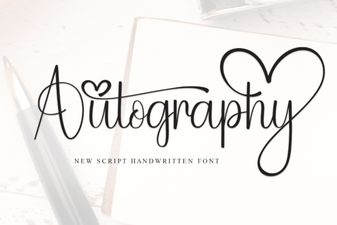 Autography: Designing with Your Handwriting Font
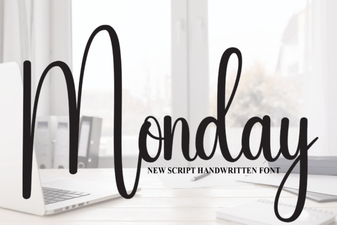 Monday Font: Design Tips & Creative Project Ideas
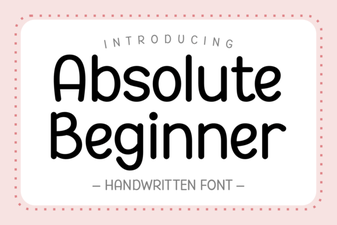 Fonts for Beginners: Simple, Creative Design Projects
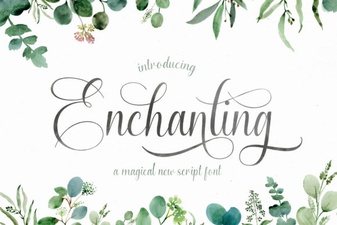 Beautiful Fonts for Script Lettering Projects