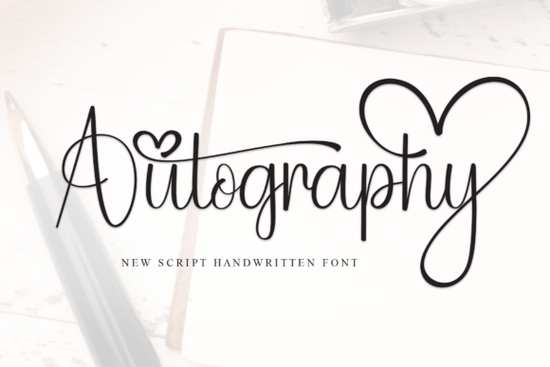
If you are looking for a typeface that feels personal but still clean enough for professional work, Autography Font delivers exactly that. This delicate, elegant, and flowing handwritten style was built with balanced characters that sit comfortably on both digital screens and printed materials. Whether you run a small print-on-demand shop, design wedding invitations, or create branding for handmade goods, a well-crafted script like this can save you hours of custom lettering work.
What makes this handwritten typeface stand out?
Most script fonts struggle with one of two problems: they either look too rigid, or they become so decorative that readability suffers. Autography avoids both traps by keeping its strokes light and its letter spacing consistent. The connecting ligatures flow naturally, which means words look like they were written in one smooth motion. You will notice that the uppercase letters carry just enough flourish to draw attention without overpowering the lowercase text. This balance makes it reliable for logos, product labels, and social media graphics where clarity matters.
Which projects work best with a flowing script?
Because the design leans toward elegance rather than heavy brush strokes, it fits beautifully into projects that need a soft, refined touch. Here are a few practical applications where this style consistently performs well:
- Wedding and event stationery: Invitations, place cards, and thank-you notes benefit from the romantic, hand-penned feel.
- Print-on-demand merchandise: Tote bags, mugs, and apparel with short quotes look polished when the lettering stays light.
- Small business branding: Boutique logos, packaging stickers, and price tags gain a handmade aesthetic without sacrificing professionalism.
- Digital content: Pinterest pins, Instagram story templates, and blog headers render clearly even at smaller sizes.
When setting up your design files, keep the text short. Script typefaces work best for headlines, names, or brief phrases. Pair them with a simple sans-serif for body copy so your audience never has to strain to read the details.
How do I pair it with other typefaces?
Finding the right combination is usually about contrast. Since this font carries a gentle, cursive rhythm, it needs a straightforward companion to ground the layout. A clean geometric sans-serif or a classic serif will create the visual hierarchy you need. If you are testing different script styles for a larger brand kit, you might also explore alternatives that carry a slightly different mood. For example, a playful option like a butterfly-inspired script can work for children’s products, while a beginner-friendly handwritten style often fits casual craft labels. When you need something with a modern, everyday vibe, a fresh weekday-themed typeface keeps layouts feeling current. If your project calls for a bolder signature look, a heavier brush alternative might be the better fit. And when you want to return to the original elegant flow, you can always revisit the main Autography collection to grab additional weights or glyph sets.
What should I check before installing and using it?
Before adding any new typeface to your workflow, a quick technical review prevents formatting headaches. Verify that the download includes both OTF and TTF files, since OTF formats handle advanced OpenType features like swashes more reliably. Check the character map for alternate glyphs, as many elegant scripts include multiple versions of letters like a, e, g, and y to avoid repetitive shapes. Always confirm the licensing terms for your specific use case, especially for commercial sales. You can review the full details and download the official Autography Font files directly from the marketplace to ensure you have the latest version.
How can I get the best results in my design software?
Script typefaces need minor adjustments to look their best. Turn on contextual alternates in your design software so connecting strokes adapt automatically. Increase line height when stacking multiple lines to prevent overlapping ascenders and descenders. If you use cutting machines like Cricut or Silhouette, convert text to outlines before exporting. This locks ligatures in place and stops the software from separating characters during weeding. Always test your layout at actual print size, since delicate strokes often need a slightly larger point size to cut cleanly on vinyl or print sharply on cardstock.
Run through this quick setup checklist before finalizing your work:
- Install both file formats and restart your design program.
- Enable OpenType alternates and standard ligatures.
- Pair the script with a plain sans-serif for readable body text.
- Print or cut a small sample to verify spacing and stroke weight.
- Store your licensed files in a dedicated brand folder.
Spend ten minutes testing alternate glyphs and tracking adjustments today. A minor spacing tweak or a single swapped letter often transforms a basic layout into a polished design ready for clients or customers.
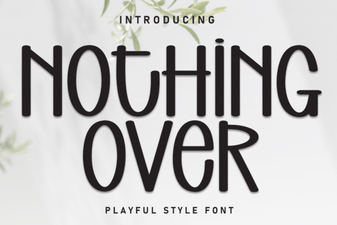 Choosing Fonts for Minimalist Design Projects
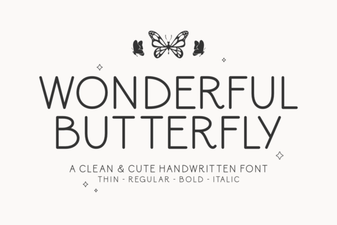 A Beautiful Butterfly Font for Creative Projects
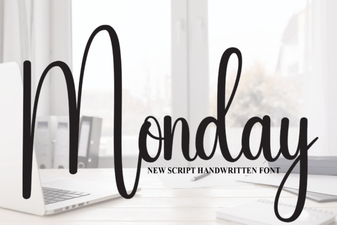 Monday Font: Design Tips & Creative Project Ideas
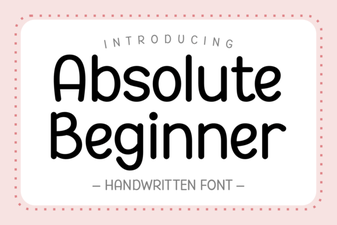 Fonts for Beginners: Simple, Creative Design Projects
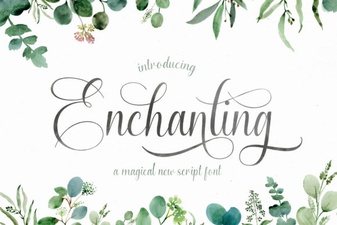 Beautiful Fonts for Script Lettering Projects
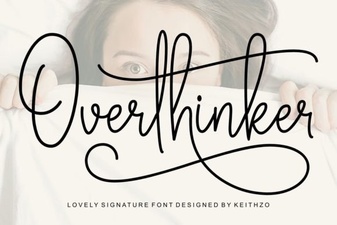 The Overthinker Font: a Designer's Mind in Type