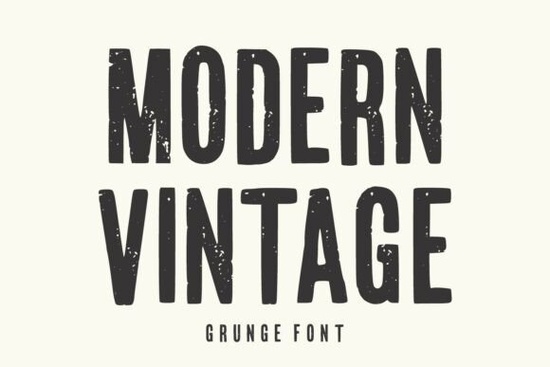
If you need a typeface that feels both nostalgic and boldly current, Modern Vintage Font delivers exactly that. It is a tall, condensed display font built with a distressed, grunge texture that reads clearly even at large sizes. Designers, print-on-demand sellers, and small business owners often choose this style when they want a raw, handcrafted look without sacrificing legibility. The worn edges and vintage-inspired letterforms give your work instant character, whether you are laying out a poster, designing a t-shirt, or building a rustic brand identity.
What makes this typeface stand out?
The core strength of this font lies in its balance between rugged texture and clean structure. The letterforms are intentionally condensed, which helps you fit more visual impact into tight spaces like social media banners or product labels. The grunge details are baked directly into the glyphs, so you do not need to add extra Photoshop overlays or manually distress the text. That saves time and keeps your working files lighter. If you usually browse collections like editorial and magazine-style typefaces, you will notice how this one brings a similar bold presence but with a weathered, street-ready finish that feels authentically aged.
Where does it work best for print and digital projects?
Because the texture is built for display sizes, it performs best when used for headlines, logos, and short phrases. Long paragraphs will lose readability, so reserve it strictly for attention-grabbing elements. Here are the projects where it consistently delivers solid results:
- Apparel and merch: T-shirt graphics, hoodie prints, and tote bag designs that lean into retro or urban aesthetics.
- Packaging and labels: Craft beer cans, coffee bags, candle jars, and rustic product boxes that need a hand-stamped feel.
- Marketing materials: Event posters, gig flyers, social media ads, and storefront signage that must be read from a distance.
- Branding elements: Logos, wordmarks, and short taglines for cafes, barbershops, vintage stores, and independent makers.
When you are testing layouts, try pairing it with a cleaner display option like playful rounded lettering to create visual contrast without competing for attention.
How do I pair it with other typefaces?
A heavily textured font needs breathing room. The safest approach is to use it strictly for titles and let a simple sans serif or readable serif handle the body copy. If you want to experiment with dual-display layouts, keep the secondary font lightweight and unadorned. For example, you could match it with straightforward modern lettering for subheadings, or balance it against clean script and sans combinations when designing boutique branding or event invitations. The goal is to let the grunge details shine while keeping the overall hierarchy clear. Avoid stacking two distressed fonts together, as the textures will clash and make the design feel muddy.
What should I check before using it commercially?
Before you add any typeface to a client project or a print-on-demand store, review the licensing terms carefully. Some font licenses cover personal use and small digital products, while others require an extended commercial license for merchandise, templates, or large-scale distribution. Always verify whether the license allows embedding in web projects, selling physical goods, or creating editable design templates. If you are building a sports brand or school merch line, you might also explore bold collegiate lettering styles to see how different display fonts handle licensing and commercial restrictions. For direct access to the official listing and current license details, you can view Modern Vintage Font on Creative Fabrica.
Quick setup checklist before you export:
- Test the font at the exact print size to confirm the distressed edges remain crisp.
- Convert text to outlines if your printer requires vector files without embedded fonts.
- Check contrast against dark backgrounds, since heavy textures can lose detail on black or navy stock.
- Keep body copy in a plain, highly readable typeface to maintain hierarchy.
- Save a version with unoutlined text so you can edit typos later.
Start with a single headline, adjust your tracking slightly if the condensed letters feel too tight, and export a test proof. Small tweaks to spacing and background color usually make the difference between a good layout and a polished, ready-to-sell design.
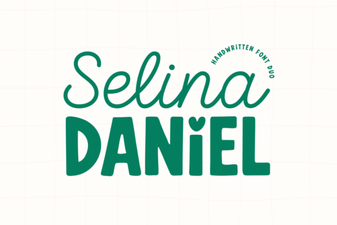 Selina Daniel: Modern Duo Font for Creative Designs
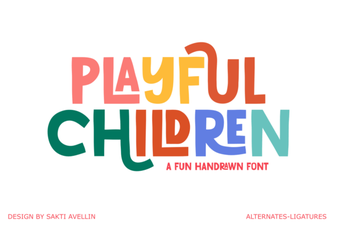 Playful Fonts for Creative Kids’ Projects
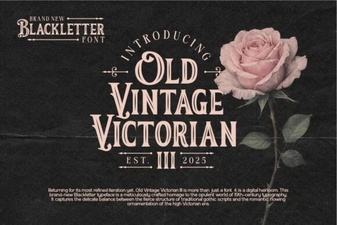 Unlock Victorian Elegance with Iii Fonts for Design
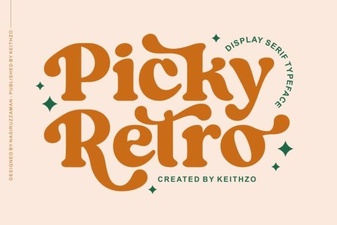 Reviving Design with Picky Retro Fonts
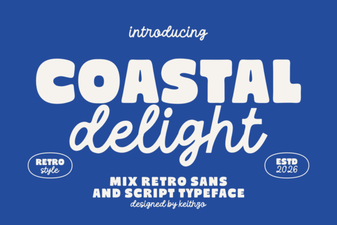 Coastal Delight: Elegant Fonts for Seaside Projects
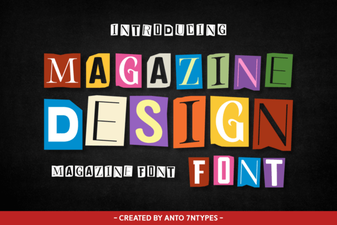 Crafting Legible Magazine Design with Modern Fonts